Ranting and raving about anything I feel like complaining about.

How Copy/Paste Works on WP7-Nodo

Url: http://shawnw.me/fT1Y5v

Windows Phone 7

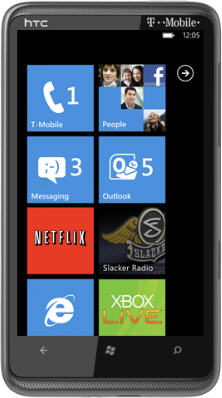
I was playing with my newly updated Windows Phone 7 (with the March 2011 - or so called NoDo update). While I can attest I can sense the speed increase, especially in games and in tombstoning of applications; the big feature is copy and paste on the phone.

I recorded this short video to show how to use Copy/Paste (as well as how to repeat the operation:


Comments

Gravatar Must be something wrong with me, I still can't figure it out even after watching the video twice. I guess I need to see someones finger do it :)
Gravatar What doesn't work?
Gravatar So close, but they've just fallen short on an otherwise solid feature. What about Cut, surely that wouldn't have taken any more time to implement?! It's definitely a useful feature on my iPhone, and would save us from doing a Copy/Delete combo on WP7. And I just can't figure out why they chose to hide the paste button after the initial paste? Yes you can bring it up once you know how, but it's hardly intuitive.
Gravatar How did you get NODO into the emulator?
Gravatar Dina,

The latest patch to the WP7 Tools (http://create.msdn.com/en-us/resources/downloads) added NoDo (this goes back a month or two. Make sure you install all three pieces (the origial tools, the January update and the latest patch). The January update is the one with the NoDo bits.
Gravatar My biggest complaint so far is that I cannot use this feature to copy info from webpage. I have no idea why this is the case.
Gravatar Thanks! It worked! It wasn't obvious at first, so I appreciate the demo!
Gravatar Joshua,

I can copy info from a webpage using this. Can you elaborate?

Add a Comment

*
*
*